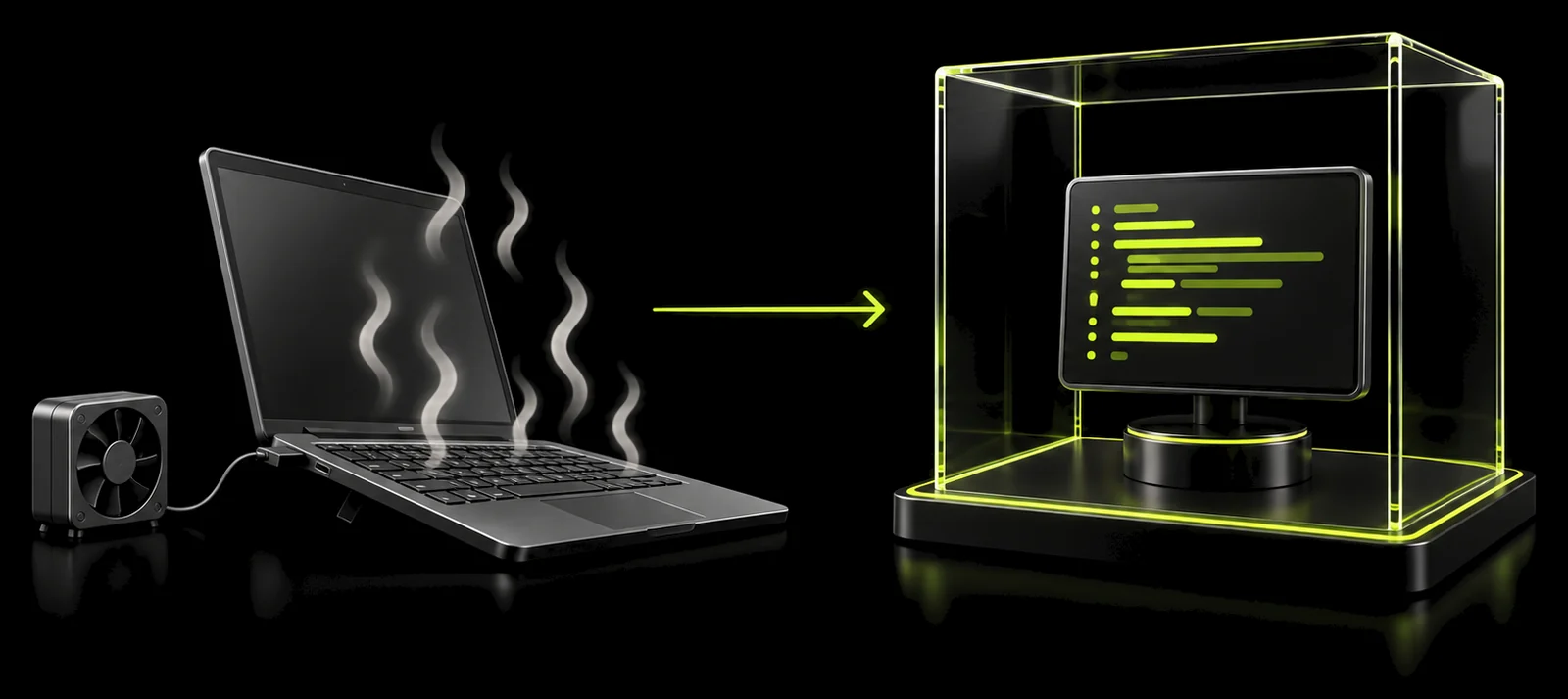
Nothing stops
Tasks, servers and agents keep running while your laptop sleeps.
A persistent development machine for you and your coding agents: always on, isolated from your laptop, one per project. Start a task on the train and pick it up from the couch.
Free and open source. Bring your own server.
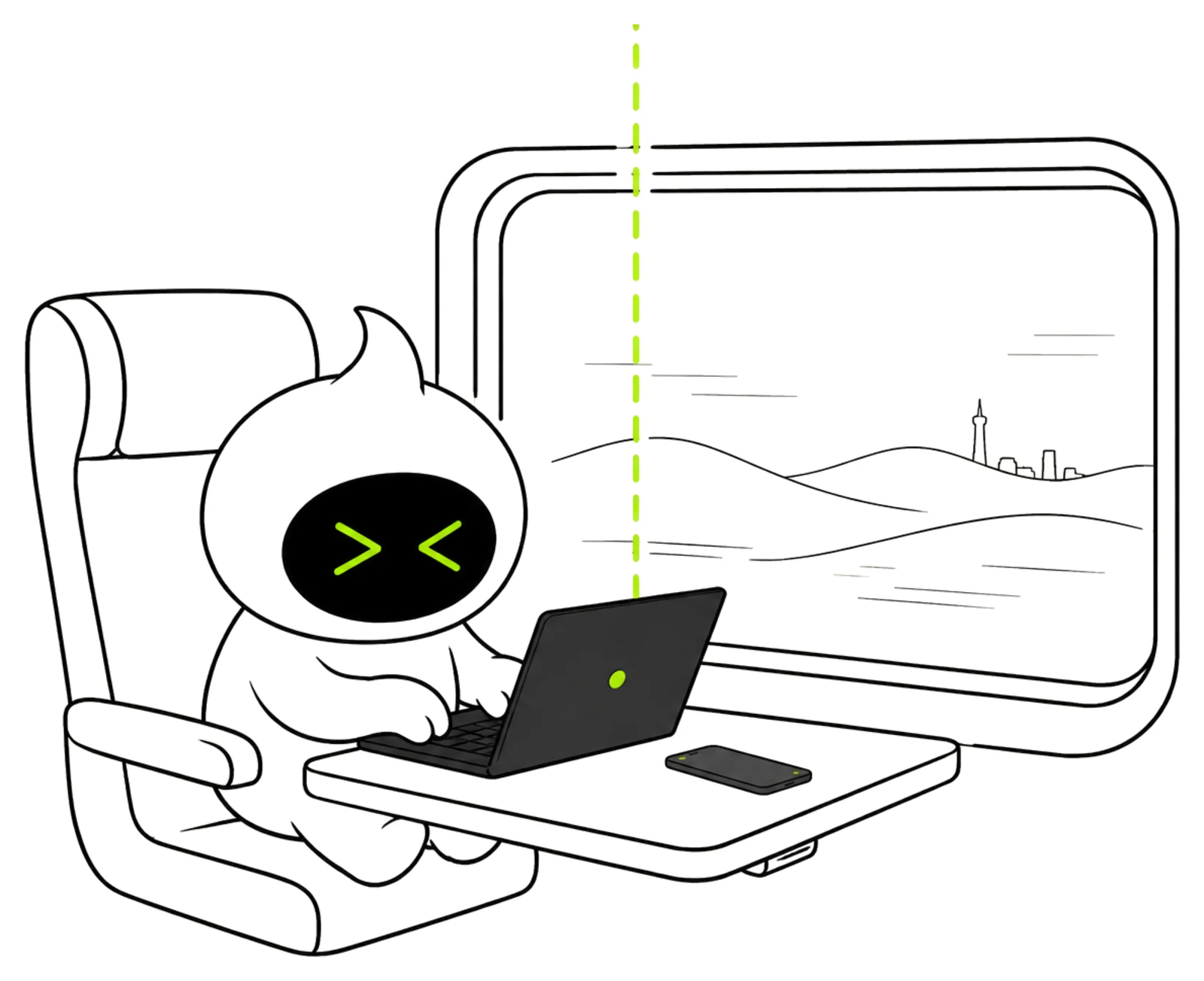
Tasks, servers and agents keep running while your laptop sleeps.
Agents never touch your personal files, sessions or credentials.
Dependencies, caches and data are still there when you return.
Long tasks, dev servers, workers and databases run on the workspace, not on your laptop. Whatever happens to your connection or your battery, the work continues, and you can reach it from any device.
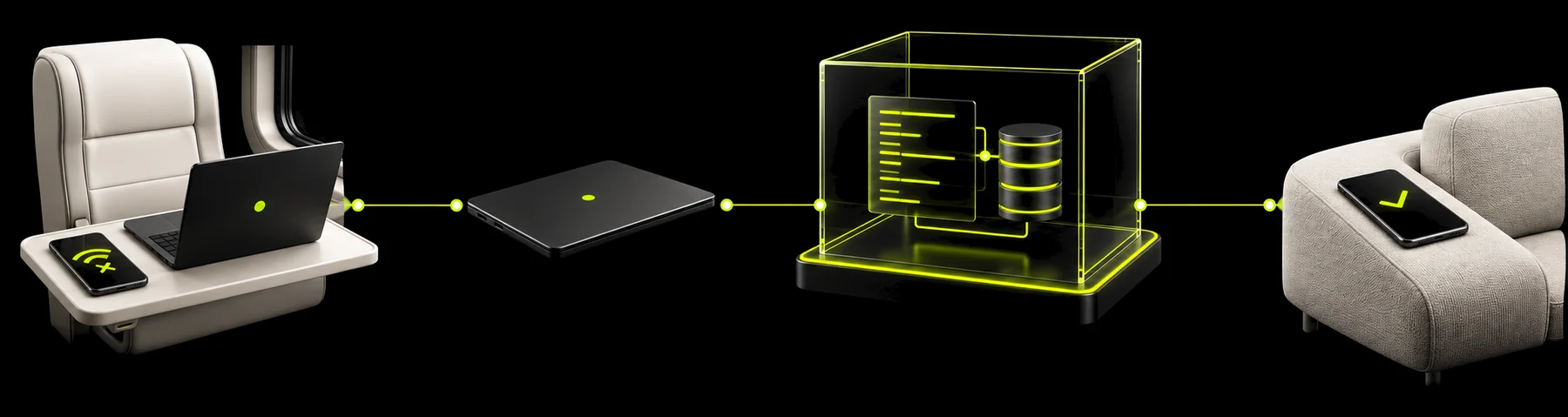
Open a terminal and check progress from any machine.
Work normally from VS Code, Cursor or your terminal.
Check agents, restart processes or continue a session while away.
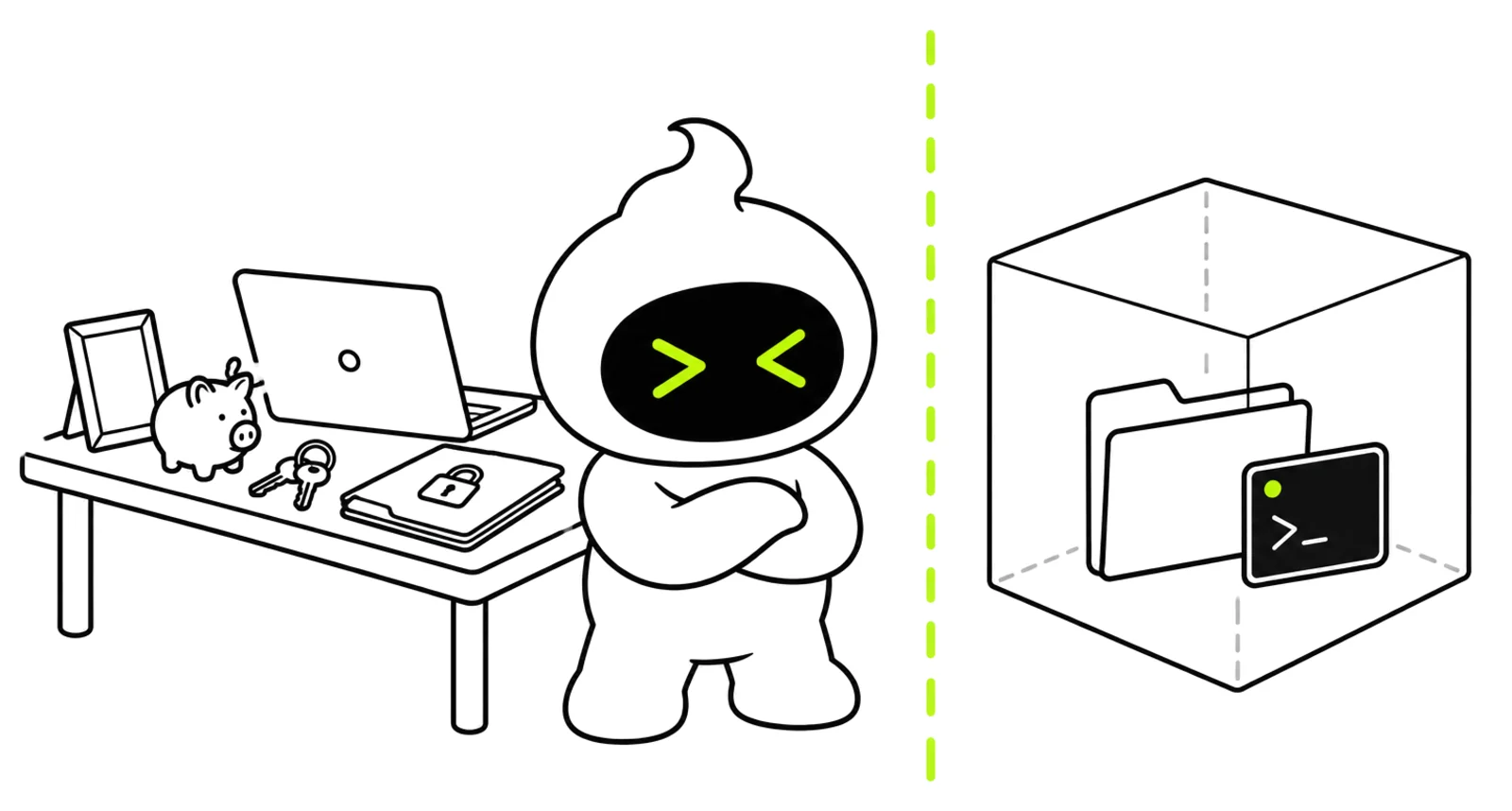
Coding agents are powerful because they can execute commands, read files and use credentials. Give them their own machine instead of yours.
No access to your personal files, browser sessions or local credentials.
If an agent breaks the environment, recreate the workspace instead of your laptop.
Only put the repositories, credentials and services into the workspace that the agent actually needs.
The agent works inside a complete development machine, with everything a real project needs.
Docker, Postgres, Redis, npm, Composer, browsers and anything else you need.
Frontend, backend, workers, databases and dev servers.
Dependencies, caches and development data remain between sessions.
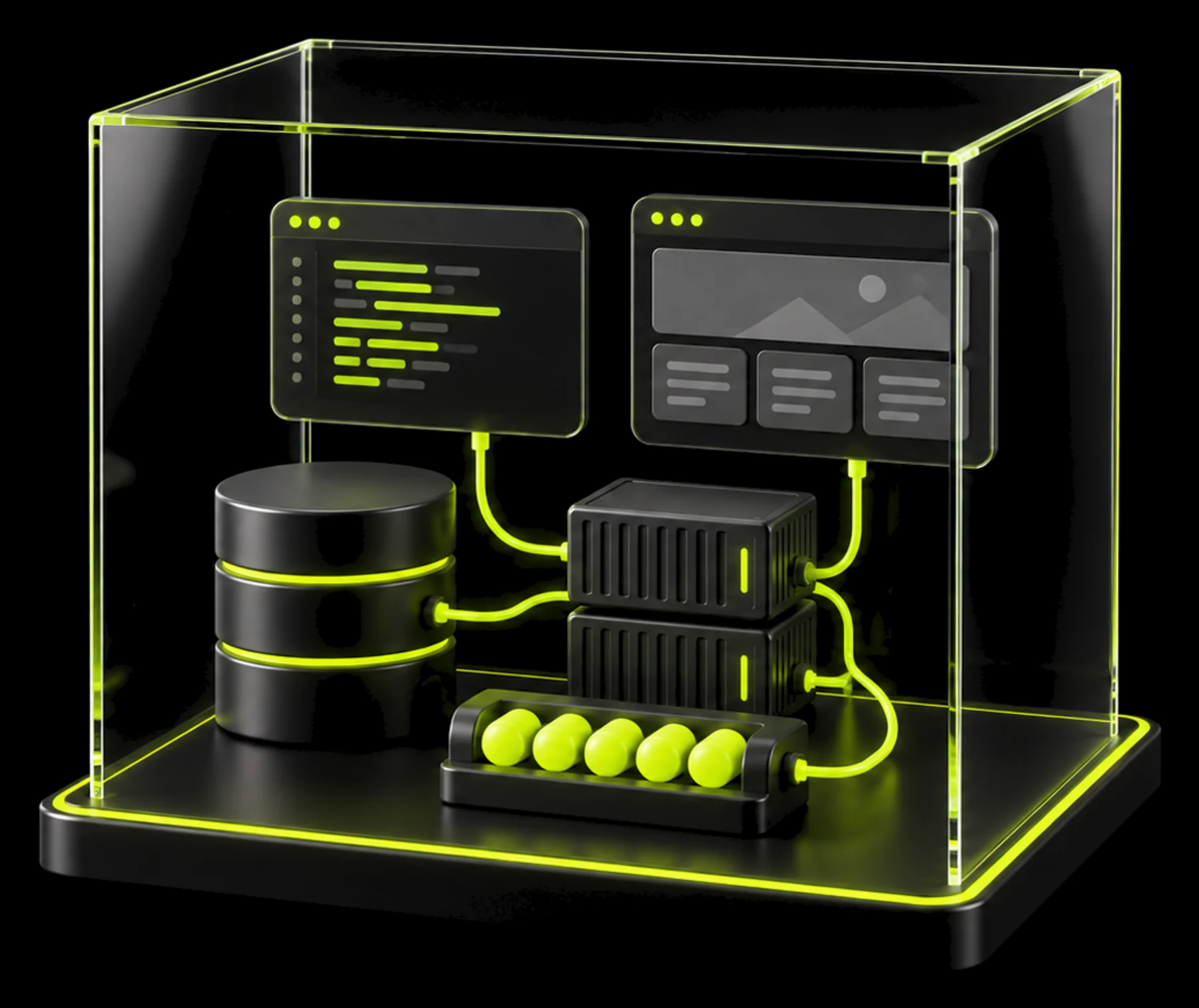
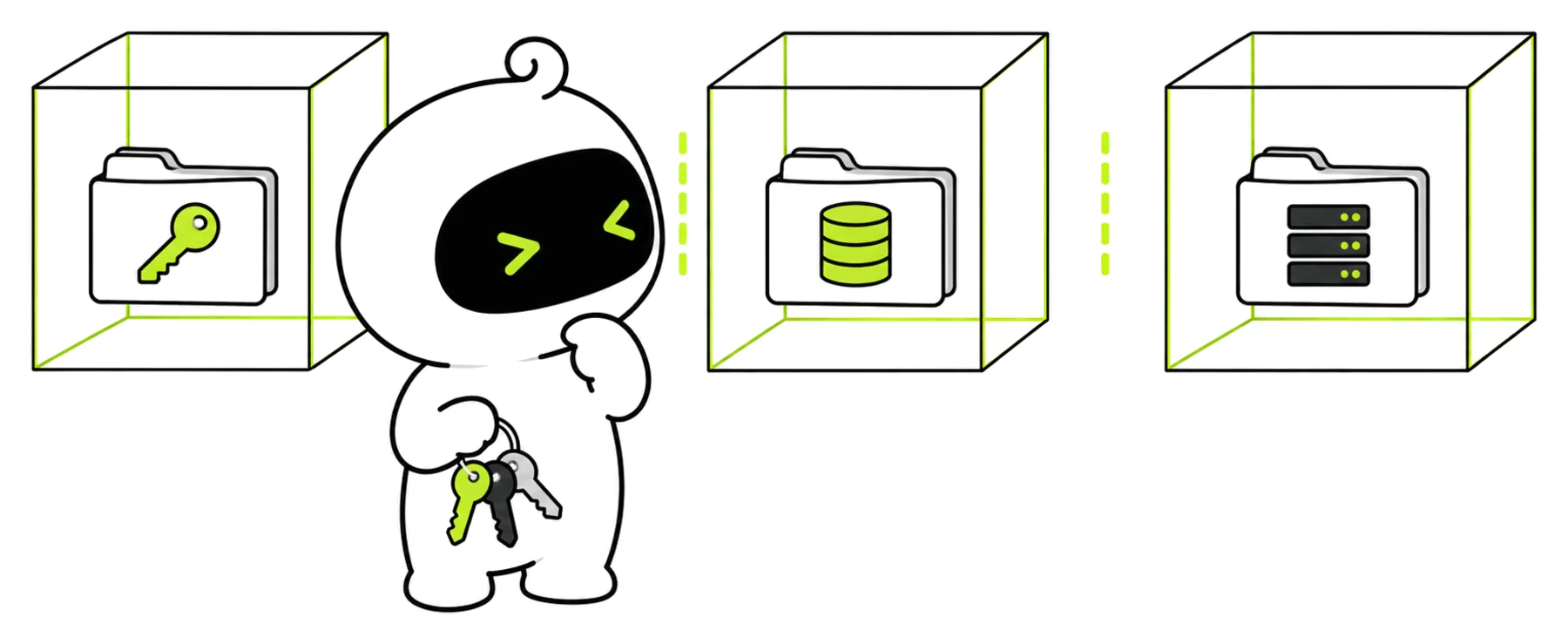
Client A never sees client B. Every project gets its own workspace with its own repositories, credentials and services. An agent only reaches the workspace it runs in.
API keys, tokens and .env files live in exactly one workspace.
Databases, uploads and caches never mix between projects.
Finish a project, download what you need, then delete its workspace.
Claude Code, Codex, Cursor, OpenCode and whatever comes next, on your own accounts and subscriptions. Try a new agent without rebuilding your environment.
The workspace belongs to you, not to an agent vendor.