Skip to content

A server of your own, a daemon per project.

daemons.run turns one Hetzner server into isolated workspaces where coding agents live and work. Reach them from a browser, a phone, or your own tools.

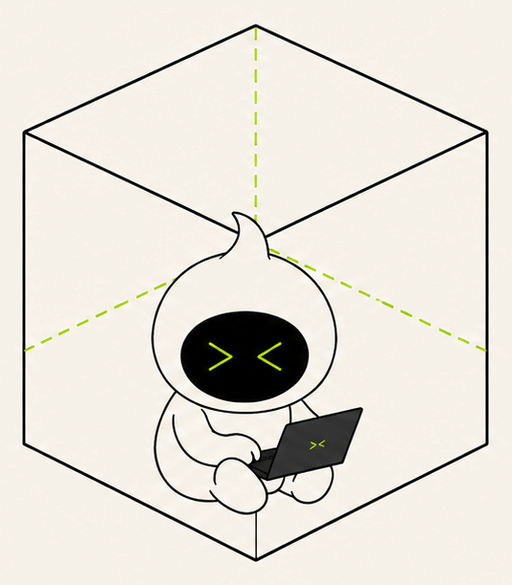
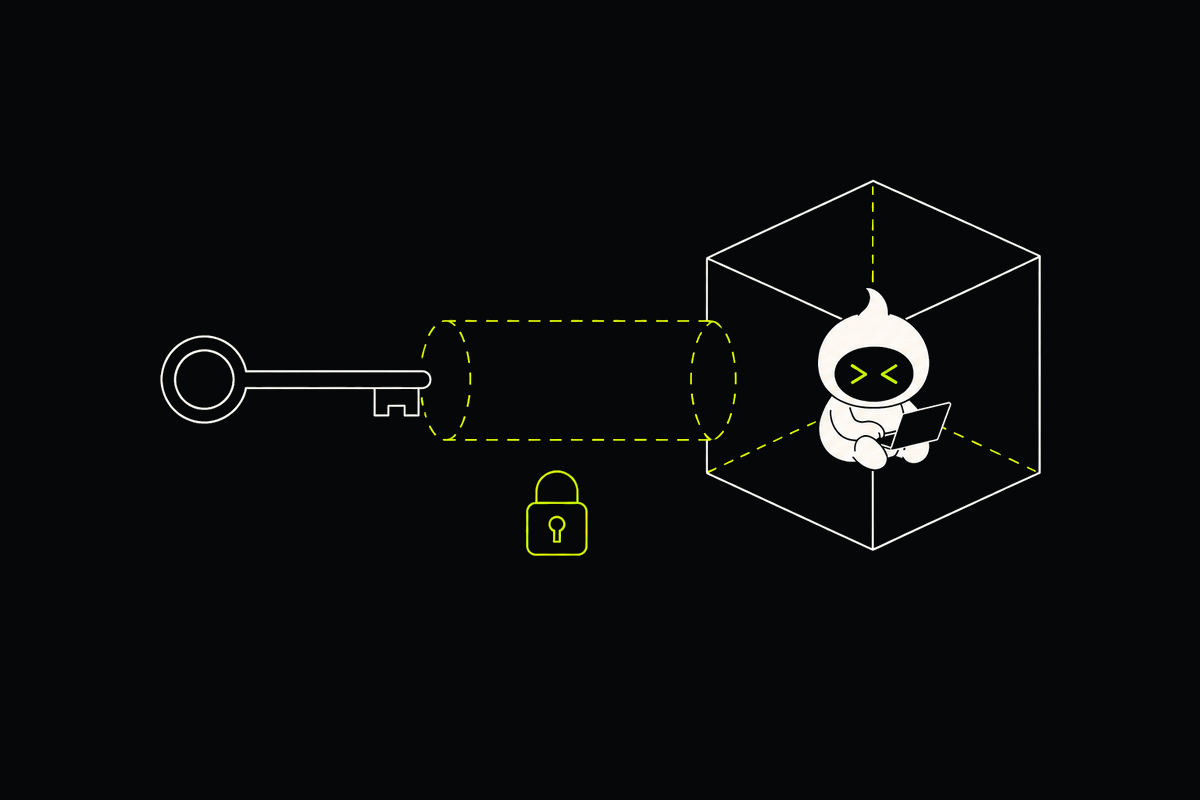
A daemon mascot working inside an isolated cube.

What a daemon is.

Disk

Its own filesystem and a quota.

Runtime

Its own processes and network identity.

Compute

CPU and memory shared across the server.

Agents need a whole machine they are allowed to break. Your laptop is not that machine. A shared server keeps the cost of five daemons close to the cost of one.

Several daemon workspaces stacked inside one server.

Why shared CPU and memory.

Agents are bursty: they think, then compile, then wait for you. Sharing lets a busy daemon use what idle ones leave. Disk is the thing that must not leak between projects, so that gets the hard wall.

Resource meters shared by several isolated daemon workspaces.

Ways to reach your daemon.

Browser terminal

Live

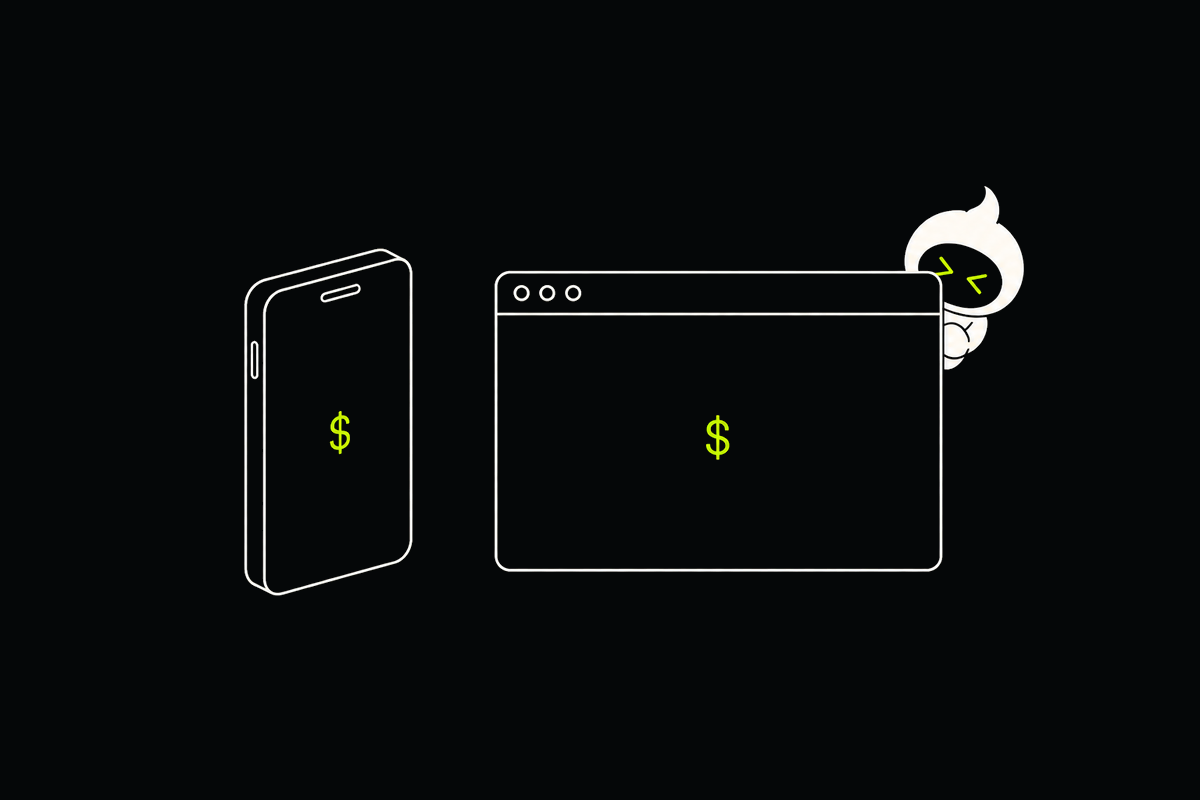
Open your agent from any browser, on your laptop or your phone. Close the tab, come back later, and pick up exactly where you left off.

Companion and chat

Live

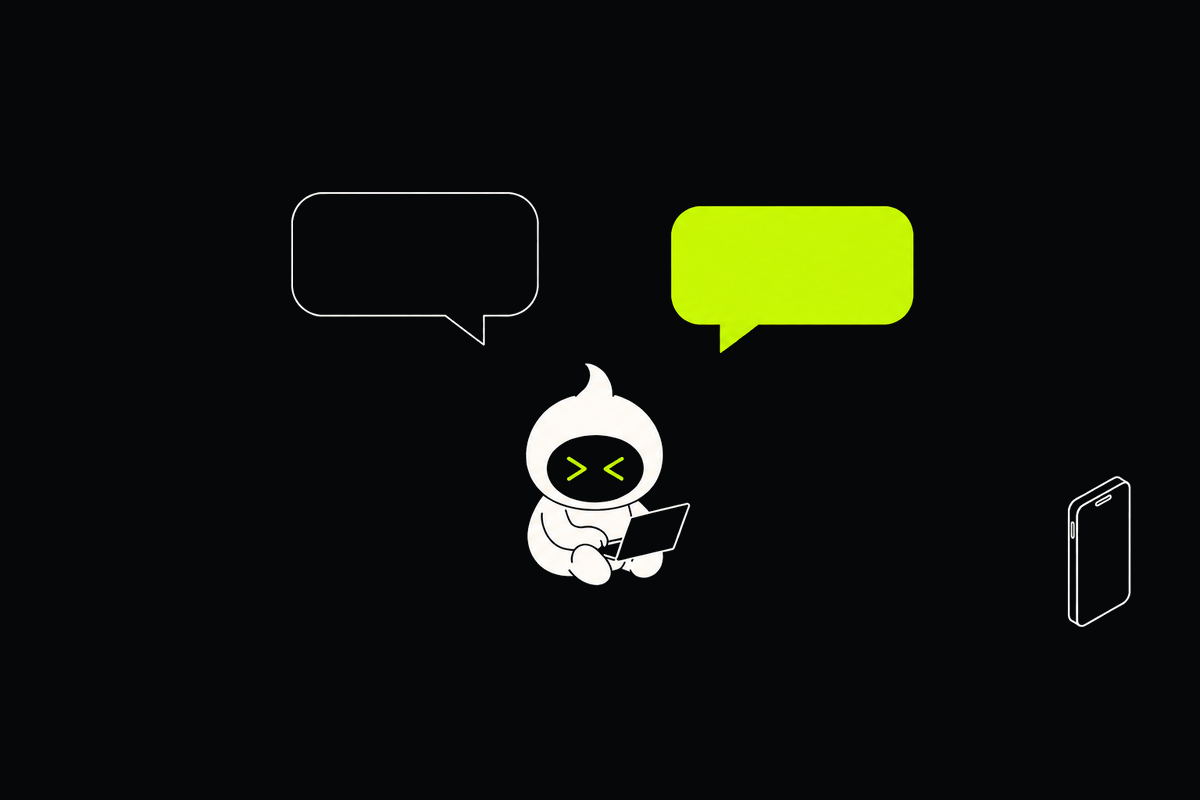
Follow what your agent is doing and answer it from anywhere, without a terminal. Live chat with OpenCode; a live transcript for Claude Code and Codex.

Delegate from your local agent

Beta

Hand long or heavy tasks to a daemon from the agent already running on your laptop, and keep your machine free for your own work.

The daemons CLI

Beta

Spin up daemons, run tasks and pull results from your terminal or CI, without opening a browser.

SSH

Coming soon

Use the tools you already have: VS Code Remote SSH, scp, rsync and port forwarding, straight into your daemon.

A daemon accessible through browser, chat, command line, and SSH tools.

Drive daemons from the command line.

Beta
daemons
$ daemons login
$ daemons daemons list
$ daemons attach research
$ daemons task run research "Find the cause" --follow
topology.json
{ "server": "cx43",
  "daemons": [{ "name": "research" }] }

$ daemons plan apply topology.json
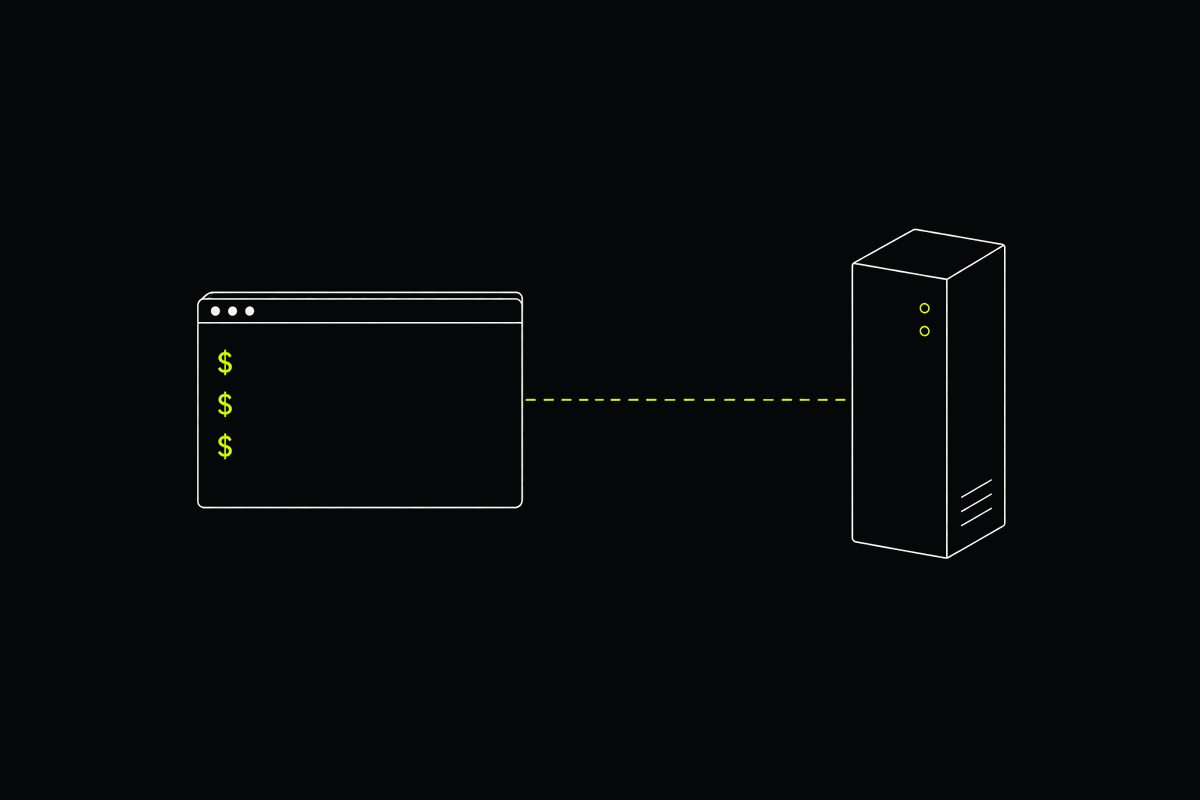
A daemon mascot working beside a command line terminal.

Start a server.
Spawn your first daemon.